
Hero Banner
Documentation and Live Example
Hero Banner
Welcome to the realm of limitless possibilities, where courage meets ingenuity, and heroes rise to shape the future. Embrace the extraordinary journey with our community of trailblazers, united by a shared passion for making a positive impact.
Features
Content
- Content types: Choose between 3 different content types, Heading, Rich text and Button.
- Flexible content: Add as many content items as you want and freely re-order content to your liking.
- Button: Choose between HTML buttons or HubSpot CTAs. Edit the initial and hover state of your buttons.
- Video background: Enable video background and add any MP4 file for a unique hero banner.
- Advanced options: Add CSS classes or code snippets to achieve any customization task.
- Compatible with all HubSpot themes
- Fully responsive on all screen sizes
Styles
- Adjust the width and alignment of your content and place it anywhere inside the content banner.
- Add a single color overlay to increase text visibility or choose a four color gradient overlay for a unique look.
- Choose the custom sizing option to adjust the width and height of your content.
*To display the full width of the screen remove side padding from HubSpot's Section and Column wrapping.
Live example
Hero Banner
Welcome to the realm of limitless possibilities, where courage meets ingenuity. Embrace the extraordinary journey with our community of trailblazers, united by a shared passion for making a positive impact.
*Welcome to the realm of limitless possibilities, where courage meets ingenuity, and heroes rise to shape the future.
Customize
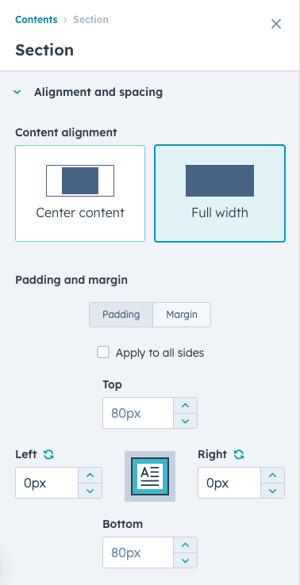
Section Padding
To display the module at the full width of the browser window:
- Enable the Full width option in the section settings.
- Set side padding to 0px
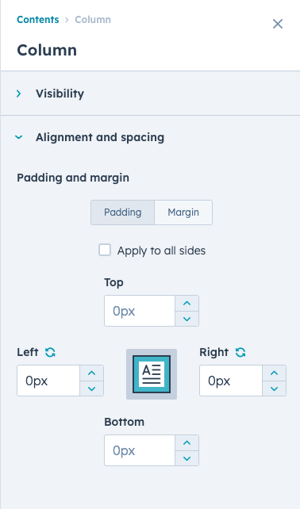
Column Padding
To display the module at the full width of the browser window:
- Set side padding to 0px
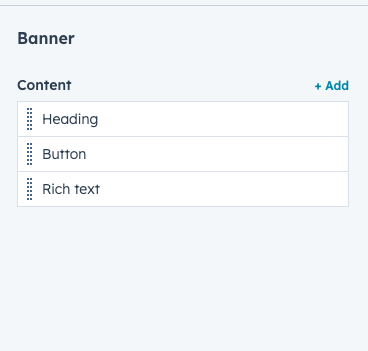
Flexible Content
Adjust content:
- Add as many content items as needed.
- Easily re-order content for multiple layout possibilities.
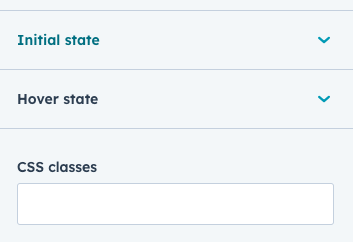
Button Styling
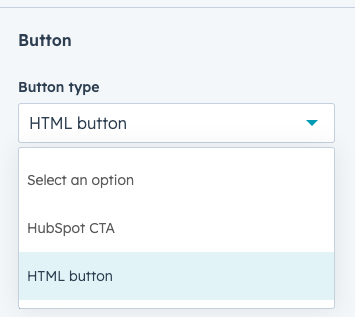
Create HTML buttons or place any HubSpot CTA:
- Choose between HTML buttons and HubSpot CTAs.
- Edit the initial and hover state of your button.
- Add CSS classes to style your buttons and match your brand.
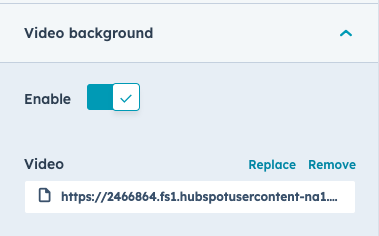
Video background
Add video to your banner:
- Delight visitors with an eye-catching video.
- Add any MP4 video file.
Content Alignment
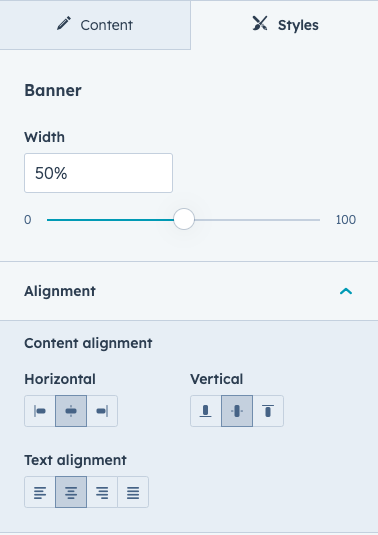
Banner content styling options:
- Adjust the width of your banner content.
- Place your content anywhere inside the banner area to achieve the perfect alignment of your content.
Background Overlay
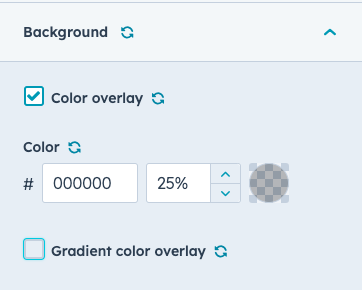
Overlay settings:
- Choose a single color or four color gradient overlay.
- Tip: Both options can be checked to create a unique style.
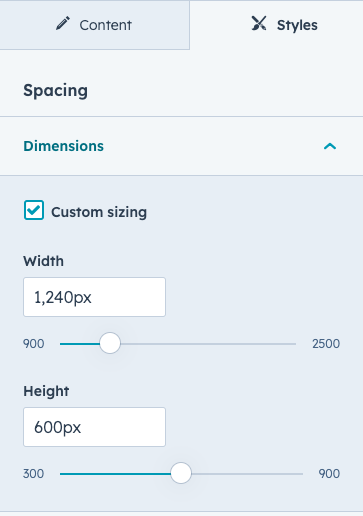
Custom Sizing
Enable custom sizing:
- Adjust the center width and overall height of the banner.
- Uncheck this option to use your theme's default
.content-wrapperwidth values and the full height of the browser window.
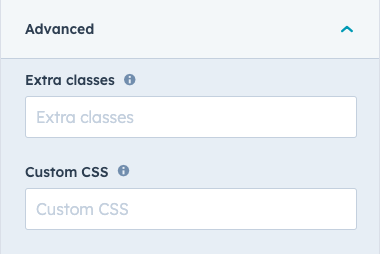
Custom Styling
Add additional classes and CSS snippets:
- Add Extra classes. To add multiple classes, separate each class with a space.
- Add CSS code snippets. Target existing classes with Custom CSS code snippets or target your added Extra classes.
Live example
Sub heading
Hero Banner
Welcome to the realm of limitless possibilities, where courage meets ingenuity, and heroes rise to shape the future. Embrace the extraordinary journey with our community of trailblazers, united by a shared passion for making a positive impact.
If you can't find the answer to your question, email me at support@mgedigital.co.za